
Your 1M-Token Context Window Is a Lie: How to Plan Real Capacity for RAG, MCP, and Agents
The advertised context window is not the usable context window. Here's the math that decides whether your agent works in production — and the calculator that does it for you.

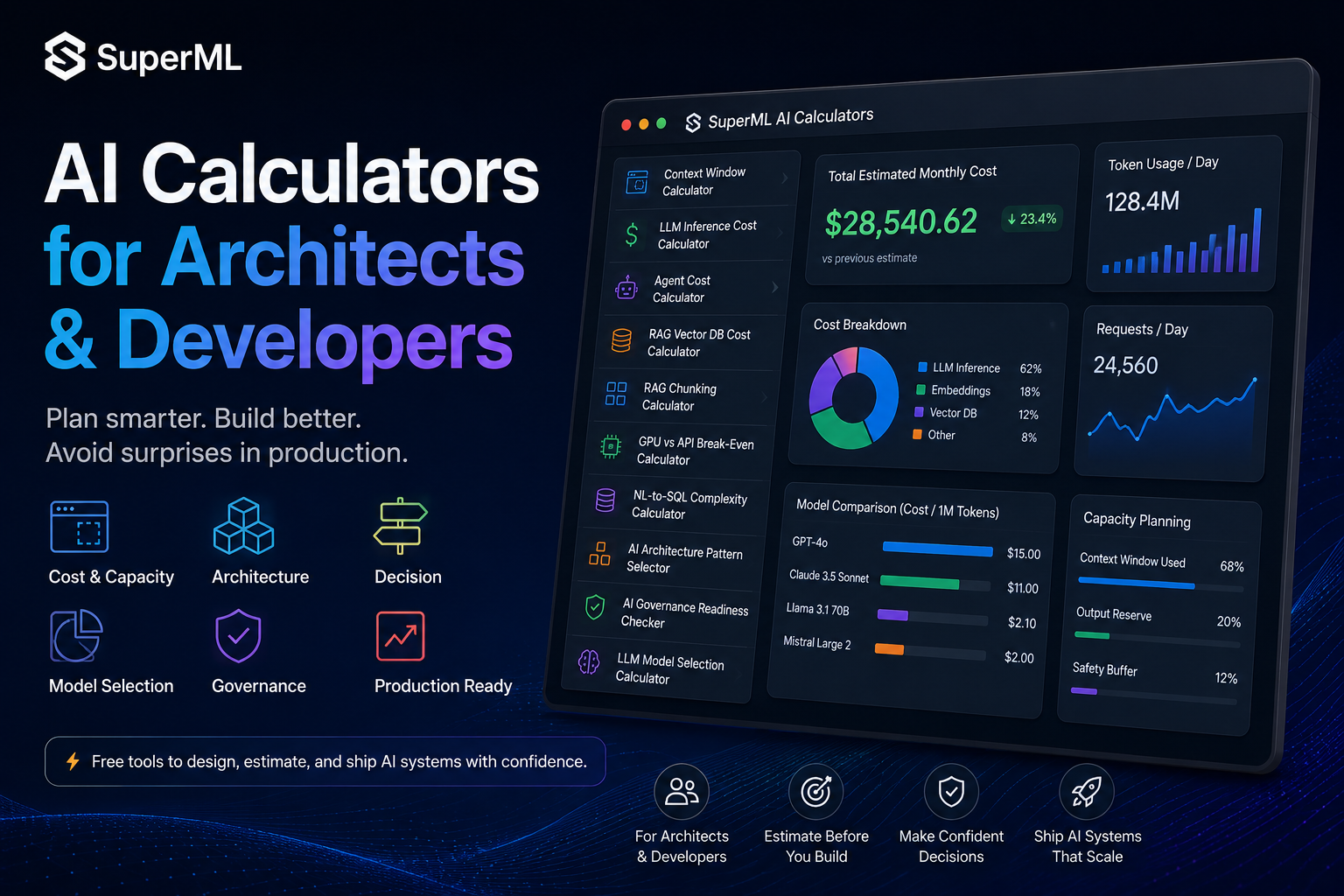
Table of Contents
Every model card brags about context window size. GPT-4.1 — 1M tokens. Gemini 2.5 Pro — 1M. Llama 4 Scout — 10M. Claude Opus — 200K.
Then you wire up your first agent and watch it silently truncate the conversation around turn fourteen. The tool calls stop working. The retrieved chunks disappear. Nobody throws an error. The model just… forgets.
The reason is almost always the same.
The advertised context window is not the usable context window. Almost nobody does the subtraction before they build.
Let’s do it.
What actually lives in your context window
When the docs say “1M tokens,” that’s the total the model will accept. But by the time a request reaches the model, you have already spent most of that on plumbing the user never sees:
- System prompt — your role definition, formatting rules, safety instructions. Easily 500–3,000 tokens on a serious agent.
- Tool / function schemas — every MCP tool, every function definition you expose, serialized as JSON. A modest 10-tool agent burns 800–2,000 tokens before the user types anything.
- Conversation history — every prior turn you replay back into the model. Grows linearly with the session.
- Retrieved RAG chunks —
k=5chunks at 400 tokens each is 2,000 tokens, and that’s a small retrieval window. - Output reserve — you have to leave room for the model to answer. Forget this and the model truncates mid-sentence.
Add it up. On a Claude Sonnet 200K-token window, a real agent often has only 150K of usable space — and that’s before the conversation grows.
This is the failure mode the Context Window Calculator is built to prevent.
The architecture decision it forces you to make
Plug your numbers in and the calculator tells you four things you almost certainly haven’t computed by hand:
- Available context — what’s actually left after all the plumbing.
- Max safe chunks — how many RAG chunks you can inject at your current overhead.
- Max safe conversation turns — how many back-and-forths before truncation.
- Overflow risk — None → Low → Medium → High → Critical, against a utilization curve.
The threshold that matters most: 60% utilization. That’s the calculator’s “None” risk ceiling. Above 60%, you are one verbose tool response or one unusually long user message away from cascading failures.
Most teams I’ve reviewed are running their agents at 75–85% utilization on day one and don’t know it.
Three counterintuitive things the calculator surfaces
1. Tool schemas are the silent killer. A well-documented MCP server with 15 tools easily emits 3,000+ tokens of JSON schema on every request. That’s not the user’s tokens — it’s overhead you can’t remove without dropping capability. Compact tool descriptions are not cosmetic; they extend usable context.
2. Conversation history compounds. At ~200 tokens per turn, twenty turns is 4,000 tokens. Sixty turns is 12,000. Without a sliding window or summarization strategy, your agent’s effective context shrinks turn-over-turn until it can’t do its job anymore — and the regression looks like the model “getting dumber.”
3. The output reserve is non-optional. If you don’t explicitly budget tokens for the response, the model will be allowed to write right up to the wall — and modern providers will truncate the response without a clear error. Reserve 1,000+ tokens for any agent that produces structured output.
When to actually pull this calculator out
- Before picking a model. A 200K context Claude often beats a 1M Gemini for agentic workloads if your tool schemas are heavy — because Claude’s tool calling is more compact. Compute it; don’t assume.
- Before adding a new tool to your MCP server. Every tool is a permanent context tax. The calculator quantifies it.
- Before raising your retrieval
k. Doublingkfrom 5 to 10 isn’t free — it can push you from Medium risk straight to Critical. - Before launching long-running agents. Plot utilization at turn 1, turn 10, turn 50. If turn 50 is already Critical, you need summarization, not a bigger model.
The one-line takeaway
Context window size is a marketing number. Usable context is an architecture number — and most production failures attributed to “model regressions” are actually overflow that the team never measured.
Plan it before you build it.
Run the Context Window Calculator →
Related planning tools in this series
- LLM Inference Cost Calculator — what those tokens actually cost
- Agent Cost Calculator — when retry loops blow up your bill
- RAG Chunking Calculator — sizing the chunks you’ll inject
Part of the Plan Before You Build series on superml.dev — calculators for AI/ML architects who would rather do the math once than debug at 2am.
Tags: #AI #LLM #ContextWindow #RAG #Agents #MCP #Architecture #MachineLearning
Enterprise AI Architecture
Want more enterprise AI architecture breakdowns?
Subscribe to SuperML.