
Your Agent Demo Costs 4 Cents. Production Will Cost $4: The Multiplier Nobody Models
Per-task cost on agentic workflows is dominated by failure cases, not the happy path. Here's how to size retry budgets, human review, and unit economics before you ship.

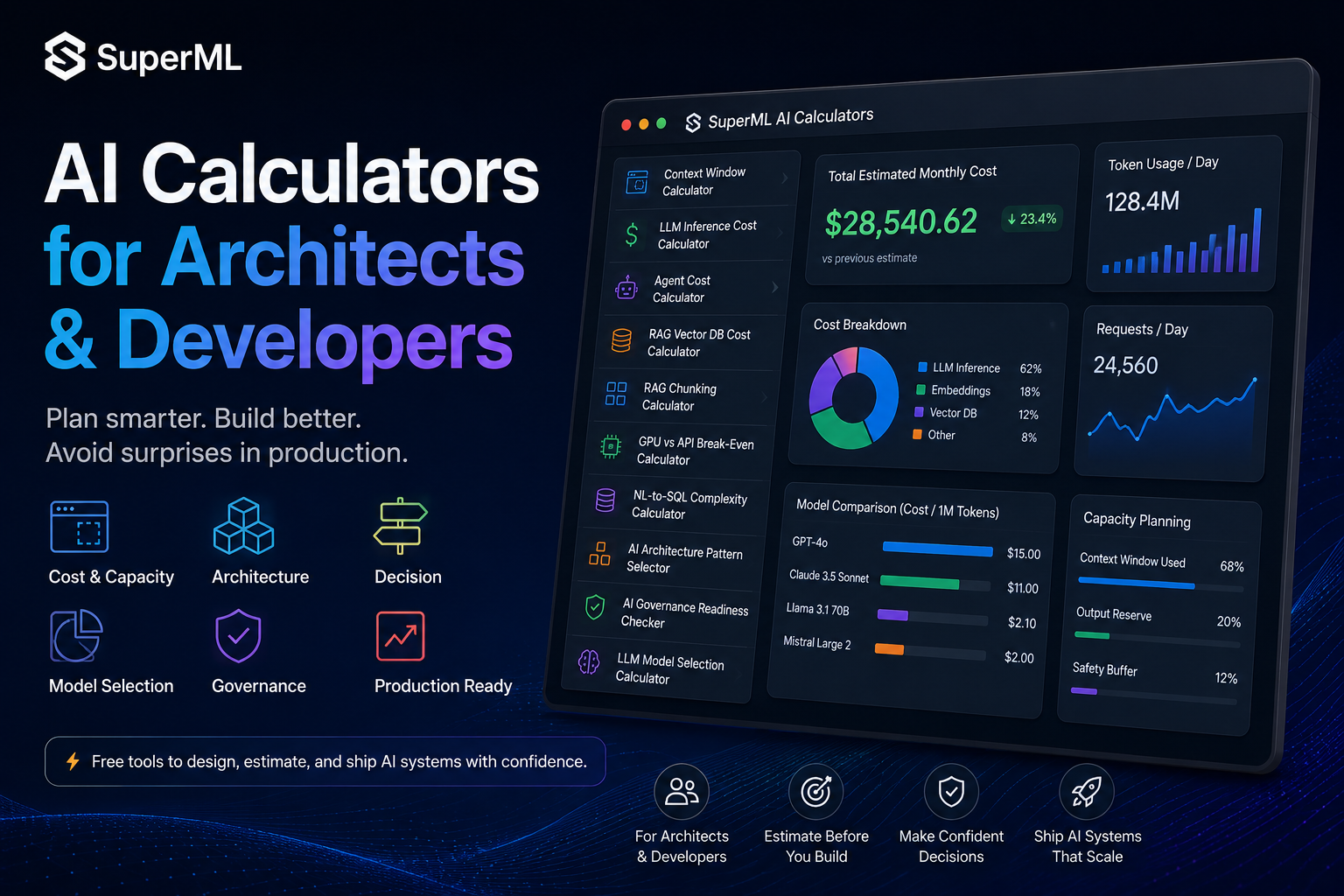
Table of Contents
Agentic workflows have a financial pattern that single-call LLM apps don’t:
Per-task cost is dominated by the failure cases, not the happy path.
When an agent succeeds on the first try, it costs almost nothing. When it gets stuck in a retry loop, calls the same tool nineteen times, escalates to a bigger model halfway through, and finally requires human review — the cost of that one task can be 50–100x the demo number.
If you size your infrastructure off the demo number, your unit economics will collapse the first week production traffic hits failure modes that your test suite didn’t.
The Agent Cost Calculator exists because per-task LLM cost is not what you think it is.
What the calculator actually models
Most cost estimators assume one LLM call per request. Agents are not that. A single “task” in production looks more like:
- Multiple LLM calls per iteration (planning, tool selection, response generation)
- Multiple iterations per task (the agent loops until it thinks it’s done)
- Some percentage of failures that trigger retries — at potentially a bigger model
- Tool execution costs that are usually free but can be painful at scale (calling a paid API per iteration)
- Human review on a slice of outputs — often 5–20% on regulated workloads — which has its own cost
The calculator takes loops, tool calls per iteration, success rate, retry budget, human-review percentage, monthly task volume, model cost, and tool cost — and gives you back happy-path cost, worst-case cost, and total monthly burn, broken down by component.
The “worst case” number is the one most teams have never computed.
The architecture decision it forces
1. Is this workflow economically viable as an agent at all? For some workloads, the answer is no. If a task averages 8 iterations × 4 LLM calls × frontier model pricing, you may be looking at $1–$3 per task. If that task generates $0.10 of value, agents are the wrong pattern; you need a single-call LLM with stricter prompting, or a classical workflow.
2. Where should you spend your engineering budget — on improving success rate or on early-exit? Counterintuitively, detecting failure faster usually reduces average cost more than making the agent better. Going from 70% → 80% success on a 5-iteration agent saves you less than implementing a confidence check that exits after iteration 2 when the trajectory is going wrong.
3. What is your retry policy? Unbounded retries are how agent bills become unfounded companies. Every retry budget has to be modeled: max iterations per task, max retries per failure, max escalations to a larger model. The calculator quantifies what those guardrails buy you.
Three failure modes the calculator surfaces before they hit prod
Retry cost dominates. A task with a 70% success rate and 3-retry budget has retries running ~50% of the time. If your retries use a bigger model (a common “smart” pattern), the failure cases can cost 5–10x the success cases. Run the math: if 30% of your tasks are eating 70% of your bill, you have a retry problem, not a quality problem.
Human review is rarely free. At even $0.50/task in reviewer time, a 10% review rate on 100K tasks/month is $5,000/month — likely larger than your LLM bill. The calculator forces this number into the open.
Tool calls are usually negligible — until they aren’t. Most internal tool calls are free. But if your agent calls a paid search API, a vendor’s pricing tier, or a database that bills per query, tool costs can quietly exceed LLM costs. Model them explicitly.
When to actually pull this calculator out
- Before launching any multi-step agent. You need a number for “cost per completed task” before you ship.
- Before adding a “smart escalation” pattern. Escalating to a bigger model on failure is seductive and expensive — model the cost first.
- Before signing customers on usage-based pricing. If your contract says “$X per task” and your worst-case cost exceeds $X, you are losing money on every difficult task.
- When deciding between “build it” and “buy it.” A platform that charges $0.50/task may be cheaper than an in-house agent that worst-cases to $2/task.
The one-line takeaway
Agents are priced by their tail, not their median. If you haven’t computed the worst-case cost per task, you have not priced the system — you have priced the demo.
Run the Agent Cost Calculator →
Related planning tools in this series
- LLM Inference Cost Calculator — base per-call economics
- Context Window Calculator — why long-running agents quietly degrade
- AI Architecture Pattern Selector — when an agent is the wrong pattern entirely
Part of the Plan Before You Build series on superml.dev — calculators for AI/ML architects who would rather do the math once than debug at 2am.
Tags: #AI #Agents #AgenticAI #LLM #FinOps #Architecture #MachineLearning #AIOps
Enterprise AI Architecture
Want more enterprise AI architecture breakdowns?
Subscribe to SuperML.