
NL-to-SQL on a 4-Table Demo Is a Trick: How to Tell Whether You Need an Agent
The same models that score 86% on Spider 1.0 score 10-17% on real enterprise schemas. NL-to-SQL is an architecture problem, not a model problem — here's how to scope yours.

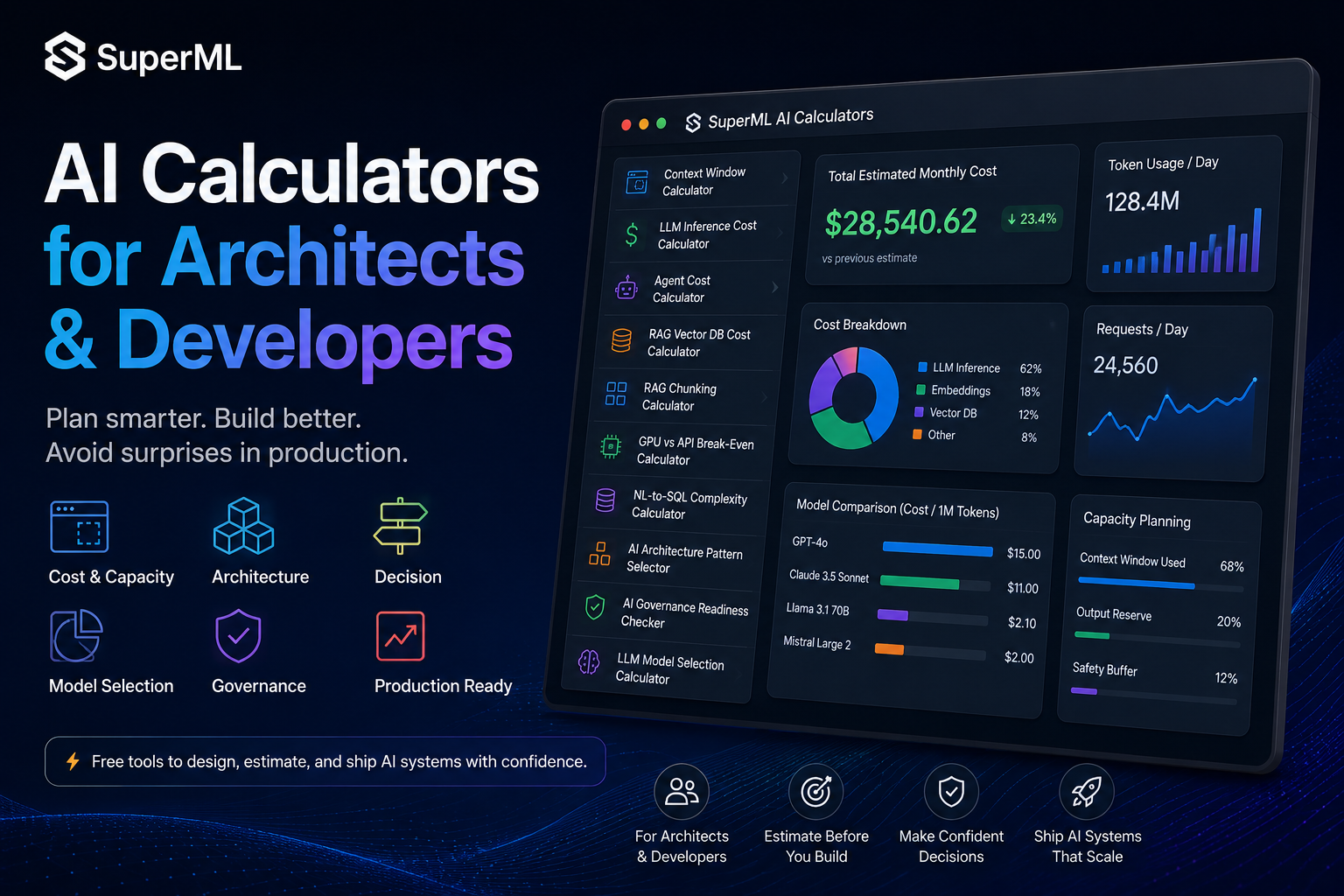
Table of Contents
The most reliable predictor of NL-to-SQL failure in production isn’t the model.
It’s the schema.
Frontier models score 86–92% on Spider 1.0 (clean, 5-table benchmarks). The same models score 10–17% on Spider 2.0 (real enterprise schemas with hundreds of tables, abbreviated columns, and undocumented joins). That gap — from 86% to 10% — is the gap most teams discover after the demo ships.
The architecture you need for NL-to-SQL is not a function of “do you have an LLM.” It’s a function of how complex your schema is and how much your queries care about being right.
The NL-to-SQL Complexity Calculator scores your specific situation and tells you whether naive prompting is enough — or whether you need schema retrieval, validation agents, and human-in-the-loop guards.
What the calculator actually models
Inputs:
- Schema size — table count, column count
- Join complexity — how many tables a typical query touches
- Data freshness requirements (real-time, batch, eventually consistent)
- Query diversity — narrow analytical workload vs. open-ended self-serve
- Query type mix — read-only analytics vs. transactional mutations
- Error tolerance — research dashboard vs. financial reporting
Outputs:
- Complexity score — Low / Medium / High / Critical
- Risk breakdown — retrieval errors, SQL injection via natural language, hallucinated columns
- Recommended architecture — naive prompting, RAG with schema filtering, few-shot prompting, agent-based validation, hybrid
- Estimated accuracy baseline for each pattern at your complexity
The most useful output is the risk breakdown. “Hallucinated columns” is the failure mode that turns into silent data corruption — the model invents a column name, the query somehow runs, and the dashboard now shows wrong numbers nobody can trace.
The architecture decision it forces
1. Naive prompting or schema retrieval? Below ~20 tables, you can pass the whole schema in the prompt and let the model figure it out. Above ~50 tables, you cannot — the schema doesn’t fit, and even when it does, retrieval irrelevant tables tanks accuracy. The calculator tells you when you’ve crossed the line.
2. Single-shot generation or agentic ReAct? For lookup queries (“how many orders yesterday”), single-shot is fine. For analytical investigations (“why is revenue down”), you need an agent that can issue a query, look at the result, refine, and iterate. The calculator surfaces which category your workload is in.
3. Where does validation live? A SQL validation layer that catches hallucinated columns, blocks DDL, and enforces read-only constraints is mandatory above Medium complexity. The calculator scores whether you can ship without it.
4. Human-in-the-loop for mutations? Any query that writes to production data — even if rare — needs an approval workflow. Otherwise an “innocent” misinterpreted prompt deletes a customer.
Three things the calculator surfaces that teams miss
Schema linking is the real bottleneck. Most NL-to-SQL failures are not the model picking the wrong join — they’re the model picking the wrong table. With 400 tables, semantic similarity alone routinely lands on the wrong one. Bidirectional retrieval and graph-based linking are not optional at scale.
Time-series and window functions are high-risk. Models hallucinate window function syntax more often than they hallucinate basic SELECT. If your workload is time-series heavy (which most analytics workloads are), the complexity score should push you toward agent validation regardless of table count.
The silent wrong answer is more dangerous than the error. A query that fails loudly is recoverable. A query that returns the wrong number with no error is a wrong board slide six months later. The calculator’s “error tolerance” input is the one to fight over: how much wrong-answer risk can your stakeholders accept?
When to actually pull this calculator out
- Before scoping any “chat with your database” project. The complexity score determines whether you have a 4-week project or a 9-month one.
- Before promising self-serve analytics to business users. Open-ended query diversity moves complexity up sharply.
- Before connecting NL-to-SQL to a production OLTP database. If the model can write, the answer is “no” until you’ve designed the guards.
- When the demo works and the pilot doesn’t. That’s the symptom of crossing the complexity threshold the calculator measures.
The one-line takeaway
NL-to-SQL is not a model problem at scale; it’s an architecture problem. The complexity calculator tells you which architecture you actually need before the demo lies to you.
Run the NL-to-SQL Complexity Calculator →
Related planning tools in this series
- AI Architecture Pattern Selector — when NL-to-SQL is the wrong pattern entirely
- Agent Cost Calculator — for the ReAct agent path
- AI Governance Readiness Checker — required before NL-to-SQL touches regulated data
For a deeper dive into NL-to-SQL architecture, see the open-source reasoning agent at github.com/crazyaiml/nl-2-sql-agent.
Part of the Plan Before You Build series on superml.dev — calculators for AI/ML architects who would rather do the math once than debug at 2am.
Tags: #AI #NLtoSQL #LLM #DataEngineering #Architecture #MachineLearning #Agents #Analytics
Enterprise AI Architecture
Want more enterprise AI architecture breakdowns?
Subscribe to SuperML.